

When you run a business, time is of the essence. With so much to think about, it’s often easy to be anchored down by tasks that distract you from the heart of the business.
These tasks can deplete your energy reserves and waste valuable resources, ultimately hindering business growth and productivity. Accounting tasks, in particular, can drain attention from high-impact areas. Fortunately, accounting software offers a whole host of benefits, saving you precious time as well as money.
In this article, we’ll explore the advantages of accounting software for small businesses and examine some of the highly recommended solutions available.
Key takeaways
- Accounting software significantly reduces time spent on manual processes, allowing businesses to focus on core operations.
- Depending on the size and complexity of your business, options are available for every type of company, including both cloud-based and desktop-based solutions.
- There are many options available to small businesses in the UK, which can help with submission deadlines, payroll, and cash flow tracking.
What is accounting software, and how does it work?
Accounting software is a computer-based program designed to help individuals and businesses manage financial data, track income and expenses, and generate reports.
The software automates several accounting tasks, including recording financial transactions, calculating taxes, and generating invoices, and can be integrated with existing payment processors to streamline and enhance the accuracy of the accounting process.
- How a company’s accounting reference date works
- Can I do the accounting for a limited company?
- What is depreciation in business?
It can be used by businesses of all sizes, from sole traders to large corporations. Many platforms are modular, allowing features such as invoicing or reporting to be tailored to your specific needs.
There are various options available to businesses, depending on the company’s size. Corporations may have their own proprietary software, particularly in the financial services sector. SMEs often use third-party accounting software services, such as Xero or Sage, to manage their accounting.
Cloud-based vs desktop accounting software
Before choosing your preferred accounting software, consider whether you want to opt for cloud-based or desktop accounting software.
Cloud-based accounting software is hosted by the vendor on remote servers, which can then be accessed via the internet through a particular provider’s platform.


Desktop accounting software is accounting software that’s installed directly on your computer, local computers, or network servers. This software is then accessed via your local computers.
While cloud platforms are scalable for most SMEs, large or highly regulated industries may benefit from tailored, desktop-based solutions. Let’s look at the benefits and drawbacks of each.
Choosing cloud-based accounting software
Cloud-based software is a more accessible choice for many companies, as the platforms are often designed to be intuitive and easy to use.
Advantages of choosing cloud-based accounting software include:
- Accessibility and real-time collaboration
- Scalability and integrations
- Faster deployment and ease of use
Disadvantages of choosing cloud-based accounting software include:
- Reliance on internet connection
- Ongoing subscription costs (and potential upsells)
- Security concerns, as a third party manages your data
There may also be limitations with scaling cloud-based software, as the software might not be as compatible with larger and more complex organisations.
Choosing desktop accounting software
Desktop accounting software is a much more robust option for many large and complex organisations.
Advantages of desktop accounting software include:
- More customisation and performance for complex organisations
- Offline access / no internet dependency
- Greater data control
Disadvantages of desktop accounting software include:
- Limited accessibility and collaboration
- Harder to maintain as it will require manual updates and backups
- Potential mobility and accessibility issues
For each option, consider the size and the complexity of your business, as well as the risks and technological ability of your team. You may want to consider cloud-based accounting software if you are a freelancer or a new business looking to set up a temporary solution.
However, if you’re planning to grow your business considerably or operate within the financial services sector, you might consider something more permanent and local.
5 accounting software tools to consider in 2026-27
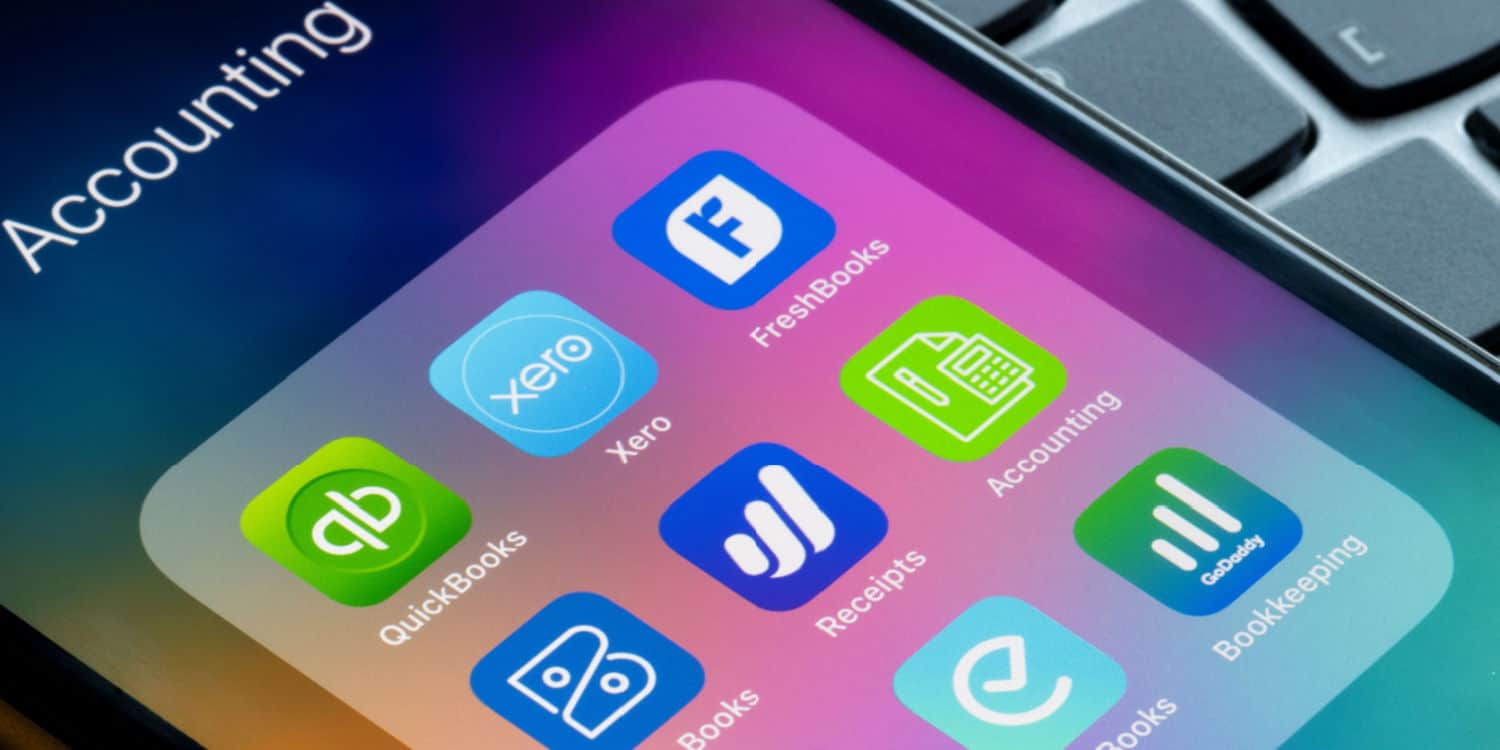
Here are some of the most popular accounting software options in 2026, each one with its own benefits and unique features.
1. Xero
Ideal for UK SMEs, Xero offers full Making Tax Digital (MTD) compliance, real-time bank feeds, and automated bookkeeping.
Xero is a popular accounting software used by businesses of all sizes. It offers its users a wide range of useful features, including invoicing, expense tracking, payroll management, and financial reporting, with an emphasis on streamlining processes through automation.
2. QuickBooks
Another popular choice, particularly for small and medium-sized businesses, QuickBooks offers features similar to Xero, including invoicing, expense tracking, payroll management, and financial reporting.
3. FreshBooks
FreshBooks is a cloud-based accounting software solution that is popular among sole traders and small business owners. It offers features such as invoicing, time tracking, expense tracking, and financial reporting, and is known for its user-friendly interface.
4. Zoho Books
Another online solution, Zoho Books, is particularly suited to VAT-registered companies. It helps you file your VAT returns directly with HMRC, automates business workflows, and facilitates collaboration across departments.
5. Sage
Finally, Sage is another widely used accounting software. Again, it has a range of features to choose from, like invoicing and inventory management. Additionally, it offers various versions of its software to cater to specific industries, including retail, construction, and manufacturing.
Comparing the top accounting software tools
To help you decide, we’ve compiled a quick table that outlines which software suits which business, along with its pros and cons.
| Software | Best for | Pros | Cons |
|---|---|---|---|
| Xero | New businesses and growing companies |
|
|
| FreeAgent | Freelancers and sole directors |
|
|
| QuickBooks | Mobile-first founders and on-the-go freelancers |
|
|
| Sage | Established or VAT-registered SMEs |
|
|
| Pandle | Startups on a tight budget |
|
|
As a Rapid Formations customer, you receive exclusive partner pricing and access to expert support through our Xero rewards offer.
Whichever you choose, investing early in accounting software will save you countless hours and help you stay compliant with HMRC requirements, giving you more time to focus on building your dream business.
What are the key benefits of accounting software?
If you’re still on the fence about whether you need software for accounting, here are some of the main advantages.
1. Automation and efficiency
Accountancy software will allow you to automate mundane tasks that typically cause headaches.
Automate routine accounting tasks
One of the biggest benefits of accounting software is that it can automate multiple routine tasks that would otherwise be time-consuming and tedious.
Routine accounting tasks, such as data imports, bookkeeping, payroll, financial reporting, invoicing, and payment reminders, can all be effectively managed through automation. The good news is that this makes laborious accounting tasks much easier and quicker to process.
Organise your financial data in one place
When juggling multiple tasks simultaneously, it’s easy to lose track of or misplace items like receipts or invoices.
Organising financial data is crucial, not only for efficiency, but also for security. Digitising your records and storing them in one safe place ensures you can access, review, and update them as needed. This also improves organisation and protects your data, as outdated processes provide an entry point for cyber threats.
Accounting software enables you to set up reminders that can prove critical to helping you stay organised and on top of important deadlines.
Secure your data against loss or cyber threats
Accounting software ensures that all your financial information is stored in one secure location.
Cloud-based accounting software typically follows GDPR guidelines, incorporating data encryption and regular automatic backups to ensure that your data is never lost. This gives you peace of mind that your data is protected, and regardless of any technical glitches you may experience, your data can never be compromised or erased.
This proves much more reliable than spreadsheets, which can be prone to crashing, and desktop systems, which can sometimes be slow to update. Furthermore, spreadsheets may be vulnerable to cyberattacks.
2. Accuracy and compliance
Accuracy and compliance are crucial for businesses to stay on track and avoid incurring fines. Accuracy is also one of the most important benefits of modern accounting tools.
Reduce costly errors with innovative software
Accounting software can help reduce financial errors, which can be a costly and stressful experience.
If you’re a new business owner, you will understand that working under pressure while also trying to crunch the numbers is not easy, and occasional errors are likely.


Some of the most common accounting mistakes include:
- Data entry errors – incorrect figures or account selection for transactions
- Duplication – same entry appears twice
- Omission – forgetting to record individual transactions
- Failure to reconcile books – leading to inaccurate financial statements and tax filings
- Late submissions – forgetting to submit the correct documents on time
One of the benefits of accounting software is the ability to monitor all your data and receive reminders for essential submissions. This can lead to a significant reduction in errors and stress relief for small business owners.
Understand your financial performance with real-time data
Understanding how your business is performing is vital to its growth, but this can be difficult to gauge without the right metrics in place. Accounting software can provide you with an accurate snapshot of your financials and supply deeper insights into your business’s performance, allowing you to make data-driven decisions with confidence.
Being able to access this information at any time can help you quickly identify key areas for development, as you can pinpoint where to tighten up or cut costs.
Stay compliant with tax regulations and deadlines
Every small business owner knows that tax season can be one of the most stressful times of the year. For those who are new, anxiety might increase around not knowing what to submit and when.
Accounting software can help significantly lighten the burden when it comes to making tax returns, both in providing submission gateways and reminding you about key dates.
With accounting software, you will have assistance with:
- Automated record-keeping – making it easier to track income, expenses, and other financial transactions important to making tax returns.
- Tax-specific features – tax calculators and planners, for instance, enable businesses to accurately estimate their tax liabilities and prepare accordingly.
- Automated tax filing – electronic tax returns make the process faster and more convenient.
- Compliance with tax regulations – maintaining more accurate and reliable financial records, as well as setting important reminders, can help businesses avoid late penalties and fines associated with non-compliance.
Thanks to a combination of automated features and built-in tools, the tax preparation process is significantly streamlined.
3. Cost saving and growth
With time saved and tasks automated, you are likely to save on costs and introduce a new stage of growth to your business.
Generate professional financial reports with ease
Accounting software provides clearer insights into your financial health, enabling you to easily create and generate reports on your finances.
Having tailored information condensed into a report is particularly useful for keeping a close eye on your cash flow and receiving regular insight into any emerging patterns that could indicate opportunities integral to your profits.
It is also a helpful asset to have to hand when communicating financials to other members of your team or company stakeholders.
Streamline invoicing and billing processes
Accounting software allows you to not only draft professional, branded invoices, but also schedule and automate them. This can be hugely time-saving when sending out high volumes or requesting regular payments from your clients.


Automating invoicing and billing processes in this way also eliminates the associated costs and administrative burden of manually entering data for each one. This often proves not only more manageable for you and your team, but also gives the client a consistent and professional service.
Cut down on overheads and accounting costs
Accounting software can help you review current spending on subscriptions, staff, and third-party services – and you may find that automating even part of your process brings cost savings.
From a time perspective, minimising the need for manual labour not only frees up any requirement for additional staff but also lets you or your existing team focus on more valuable areas of the business.
Accounting software gives you real-time insights into your finances to help you more quickly identify potential costly mistakes before they arise, as well as spot improvements in terms of productivity and efficiency – all of which can help boost profits and reduce unnecessary costs.
How to choose the best accounting software for your business
Selecting the best accounting software for your business will depend on your budget, the features you want, and the specific needs of your business.
When making a decision, consider the following factors.
Ideal features for your business
A good place to start is to consider what you will use your software for and how much you would ideally like to spend.
Do you need a simple tool for basic tasks or advanced features, such as payroll, inventory management, or tax filing?
For more specific needs, consider requirements such as:
- Invoices for clients
- P&L reports
- Payroll for your employees
Create a checklist of the must-have features that you can refer to and draw comparisons from during your search.
Costs vs time spent
Once you have a rough idea of the features you would like, you can then consider how much you would like to spend.
Also consider how much you are already spending on accounting, and weigh the potential time savings that accountancy software might provide.
Usability
How do you intend to use your accounting software? Would you prefer online, cloud-based accounting software? Or one that you can install on your desktop?
Consider whether you need to access it from a mobile device or in offline mode. And how many people will need to access the software? The software you choose will ultimately depend on your specific business requirements.
Next steps for choosing your accounting software
Accounting software helps small businesses save time, reduce costs, and enhance financial accuracy by automating key tasks, including bookkeeping, invoicing, payroll, and tax filing. It centralises financial data for easier management, enhances data security, and provides real-time insights that support better decision-making and business growth.
Businesses can choose between cloud-based systems, which offer accessibility and collaboration, or desktop solutions, which provide greater control and offline use. Leading options, such as Xero, QuickBooks, FreshBooks, Zoho Books, and Sage, cater to businesses of different sizes and needs. Overall, investing in accounting software early helps ensure compliance, streamline operations, and create a stronger foundation for long-term success.
Ready to simplify your business admin further? Explore our Hassle-Free Compliance Service to manage your compliance needs efficiently.




Join The Discussion
Comments (4)
Thank you so much for this article. It is really helpful.
Thank you for your kind comment, Emmanuel!
We are so pleased you enjoyed our recent article. Do let us know what you would like to see next.
Kind regards,
The Rapid Formations Team.
Thanks for the article! Learning the benefits of accounting software will be helpful for my own tax planning UK business.
Thank you for your kind comment, David. We’re glad to hear you found the article helpful.
Kind regards,
The Rapid Formations Team